

Motorola Qira expands to more devices with Android 17, bringing cross-device AI to more users
Key takeaways:
- Motorola Qira will soon be available on more devices across motorola signature, razr and edge families with the rollout of Android 17™
- Lenovo and Motorola Qira can make relevant context available across compatible devices, helping users continue without starting over as they switch between devices
- Consumers get personal assistance, such as answering key questions or keeping track of what matters most, and effortless creation with stickers, wallpapers, avatars and more
The Android 17 upgrade will bring Motorola Qira to more compatible Motorola devices. With user permission, Motorola Qira keeps the context that matters within reach, from saved files and preferences to synced information, as users move through their day. Whether they are handling work assignments or building a passion project, users can move between a supported phone, tablet, watch and PC with the relevant details ready when they need them. That means less time retracing their steps or searching for information, and more time moving messages, ideas and plans forward without starting over.
What is Motorola Qira?
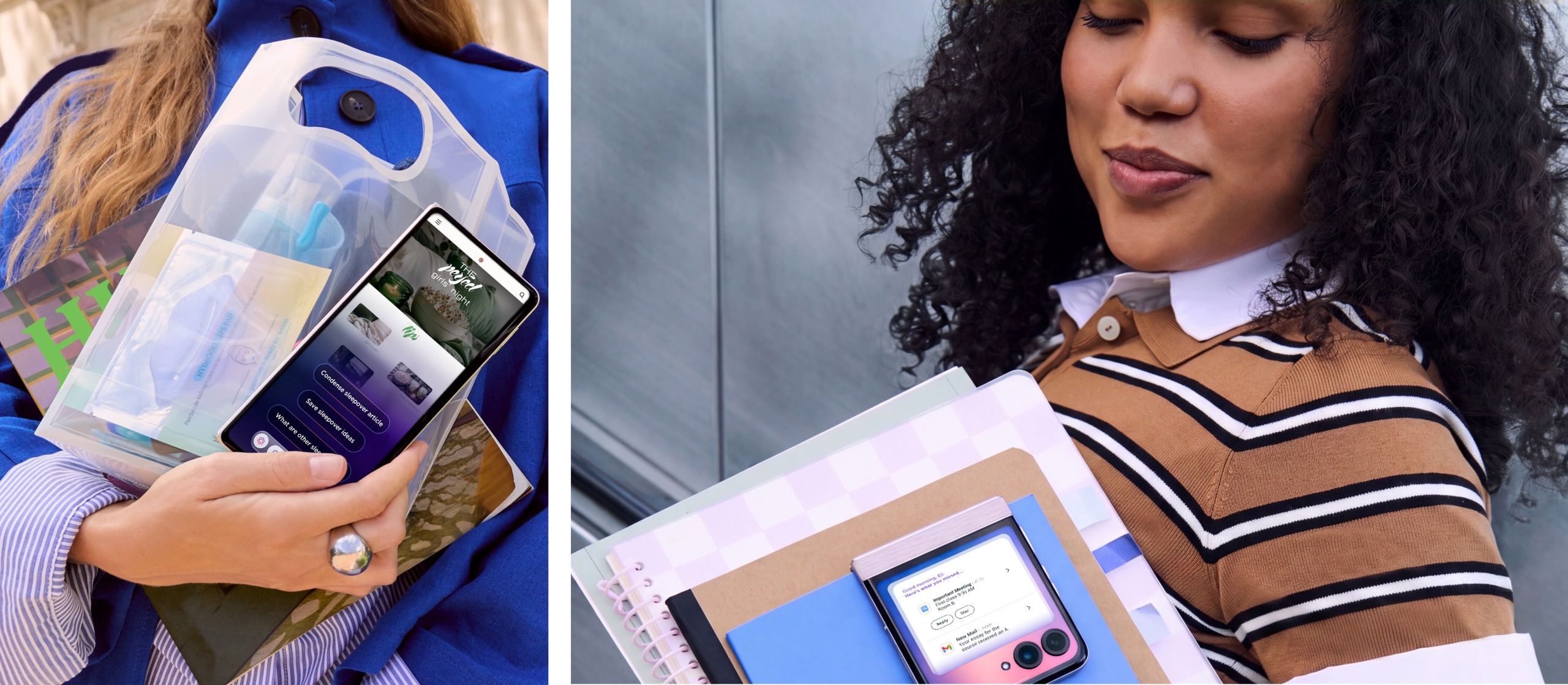
Motorola Qira is a single AI experience that spans across supported Motorola and Lenovo products. With the wake word of “Hey Qira,” users unlock AI features like Catch me up, the ability to ask urgent questions and a knowledge base that features all of their saved files, preferences and synced cross-device information.
With user permission, Motorola Qira can use relevant context to help users continue on another supported device. For example, someone planning a pop-up event can save notes on their phone with Motorola Qira, then continue the plan on a supported PC with Lenovo Qira using the relevant notes and context, without retyping details or searching for the same files. When it is time to promote the event, Creator Zone can help them create a wallpaper, sticker or visual to share. This gives users a more continuous experience across supported devices.
What does Motorola Qira do?
Motorola Qira assists users with a variety of tasks as well as helping them create and enhance content for both work and play across devices. If a user can’t remember a specific detail on information they’ve saved, they can lean on Motorola Qira to help them—a great backup for when life gets busy, messy or confusing. They can chat live with Motorola Qira, too, and interact in a way that’s most natural to them, such as using voice, text or even taking a photo or a video.
During an important meeting, users can turn to Motorola Qira to help them Pay Attention. With consent, consumers can get a recording that transcribes and summarizes the key points of the conversation. Separately, when triggered, Next Move surfaces suggestions like recapping a blog post or setting a reminder before a flight, so users can always stay one step ahead. When it’s time to pack for the trip, consumers can ask Motorola Qira to put together a to-do list before heading to the airport, ensuring that there’s always a plan in place.
Individuals that are passionate about self-expression can use Motorola Qira to create images, stickers and avatars. When wanting to curate a new look for the day, users can take advantage of Style Sync. All they have to do is snap a photo of their outfit or even a pattern and ask the phone to create a wallpaper.
Plus, if a user decided they needed a nap, went to a workout class or was just away from their phone, Motorola Qira lets them use Catch me up to get their latest notifications, updates and more all in one, clear summary. This way, they’re always in the know.
How does Motorola Qira work across apps?
Users can also cut down on search time and get more done, thanks to Lenovo’s collaboration with Workato. Enhancing current capabilities, Motorola and Lenovo Qira can now connect with select applications and services to help users find key information. It can even complete tasks on their behalf, when granted permission. Whether a morning meeting got pushed or an update was shared in an email, users don’t have to sift through apps to find what they need. They can simply take action from the same spot.
How do I access Motorola Qira?
Users can access Motorola Qira by going hands-free and simply saying, “Hey Qira.” They can also seek out on-screen entry points or press the dedicated AI key on supported devices.
Which devices have Motorola Qira?
Motorola Qira will continue to roll out on select devices across the motorola signature, razr and edge families. Owners of these devices should look out for Motorola Qira once their phone has been upgraded to Android 17.
Certain features, functionality, and product specifications may be network-dependent and subject to additional terms, conditions, and charges. All are subject to change without notice. MOTOROLA, the Stylized M Logo, MOTO, and the MOTO family of marks are trademarks of Motorola Trademark Holdings, LLC. Android is a trademark of Google LLC. All other trademarks are the property of their respective owners. ©2026 Motorola Mobility LLC. All rights reserved.
( Press Release Image: https://photos.webwire.com/prmedia/7/361043/361043-1.jpg )
WebWireID361043
This news content was configured by WebWire editorial staff. Linking is permitted.
News Release Distribution and Press Release Distribution Services Provided by WebWire.